I work at AWS, but all opinions, code, and views here are my own and not those of Amazon.
My old servers cost about $123 a month: a database server, two web servers, two email servers and object storage. That bill was the same whether they sent 1,000 emails or 100,000. When I moved the app to AWS serverless, the line item that worried me most was email.
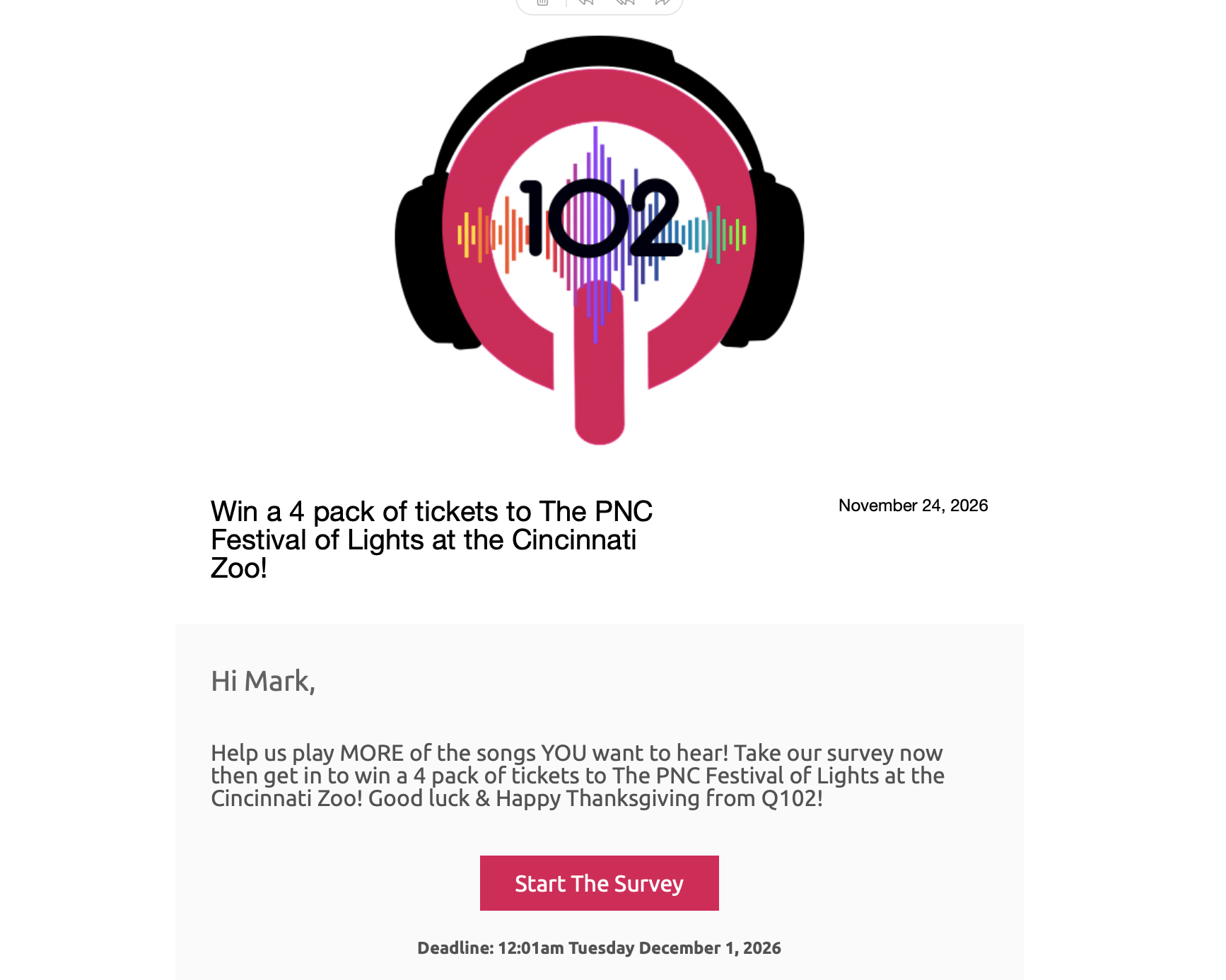
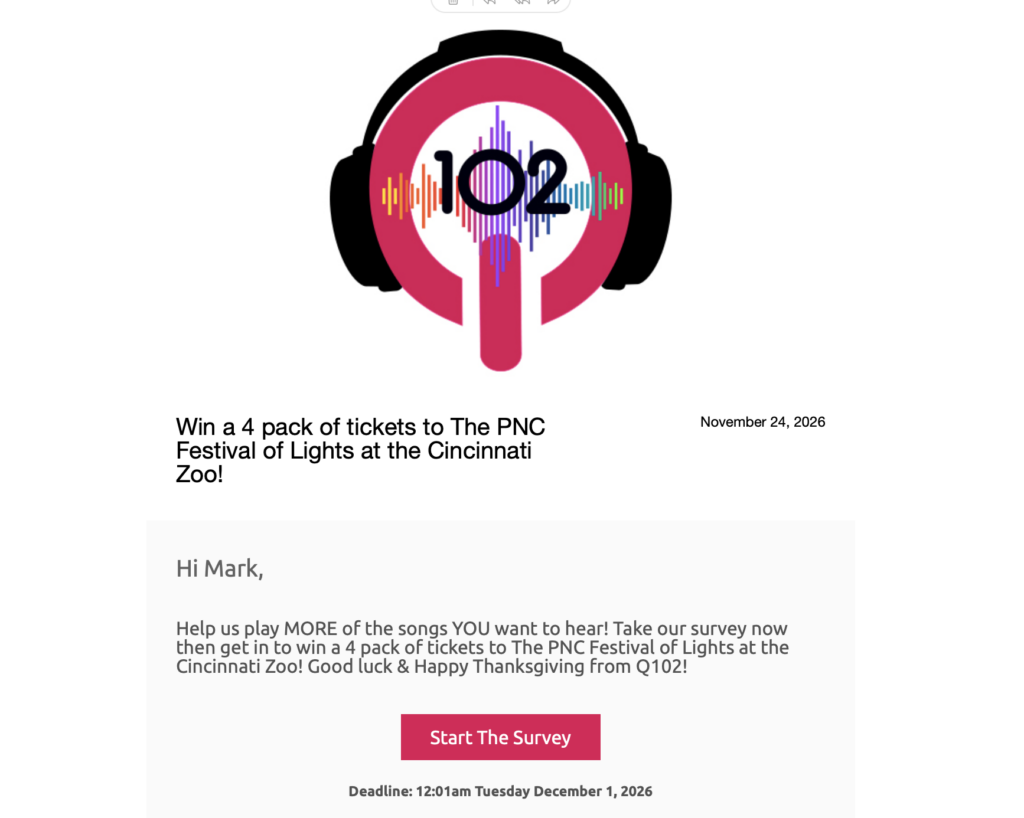
My stations send a lot of survey invitations. The legacy application was sending just over 100,000 emails a month, with a busiest recent day of 41,061. A bug that loops, a campaign sent twice, or a bounce spiral that wrecks my sender reputation is annoying on a fixed-price server. On a metered service it can cost real money. So I made cost control part of the design from day one.
Guardrails for email
Before any of this, I needed SES production access. That story is in Stuck in the SES sandbox? What helped me get production access approved.
- A warm-up cap in the infrastructure. Bulk sending is limited by a daily cap that starts at 10,000 and doubles each day until it reaches the 50,000 ceiling. It is a few lines of CDK configuration. It protects a new sender’s reputation, and it is also a hard upper bound on a runaway send.
- Bounce and complaint handling from the start. Hard bounces and complaints go on a permanent suppression list. CloudWatch alarms fire if the bounce rate passes 5% or the complaint rate passes 0.1%. Every message carries a one-click unsubscribe header.
What the first week cost
SES pricing has changed recently, with tiered plans. My account is on the Essentials plan, whose list price is $0.16 per 1,000 emails. My first two days of sending, including a day with more than 40,000 invitations, cost $6.43 in SES charges. That is not a monthly number. If my volume matches the legacy average of about 106,000 emails a month, the list price works out to roughly $17 a month.
I’m writing this on day five. AWS Cost Explorer shows $18.16 for the month so far:
| Service | Month to date |
|---|---|
| Simple Email Service (first two days of sending) | $6.43 |
| RDS | $6.25 |
| Amplify | $2.08 |
| S3 | $0.84 |
| EC2 | $0.80 |
| Everything else | $1.76 |
That is not a fair monthly figure:
- Part of the EC2 line is a temporary migration box that loaded the database. That one is a one-time cost. S3 is not: it holds the app’s audio files, so it will recur every month.
- Part of the RDS charge was a surcharge I didn’t plan for.
- The month is only partly over.
SES will probably be one of the larger lines at full volume, so I’m not claiming a savings number until I’ve seen a full month.
The surcharge I didn’t know existed
I had started on MySQL 8.0. When a database engine version passes the end of standard support, AWS keeps running it but adds an Extended Support fee. I had never heard of it. The charge ran about $2.40 a day.
Kiro, the AI coding assistant I use, helped me find the source of the unexpected charge in the bill, and the next day I upgraded the database to MySQL 8.4 LTS. The surcharge stopped.
The lesson is that managed services remove patching work, not maintenance. Engine versions have expiry dates, and so does the money you save by ignoring them. I’m counting on AWS’s advance notices by email, and I’ll check the support calendar whenever a new engine version ships.
Checklist if you’re moving an email-heavy app
- ☐ Measure the old system first: emails per day at peak and per month on average.
- ☐ Put a send cap, bounce and complaint alarms, and a suppression list in infrastructure code before the first real send.
- ☐ Check your SES pricing plan and set a billing alarm before launch.
- ☐ Pick a database engine version that is still in standard support, not just one that is still offered. Check the support dates on the RDS release calendar.
- ☐ Decommission old servers in a written order. Licenses, snapshots and storage are billed separately from the servers.
I’ll post the full December number once I have a clean month.
Part of a series. First: I moved the app that started my tech career to AWS over Thanksgiving week. Also: Stuck in the SES sandbox? What helped me get production access approved and Nine lessons from using AI on a large migration.




3 thoughts on “Moving to pay-per-use: what the first week cost, and the RDS surcharge I didn’t see coming”